
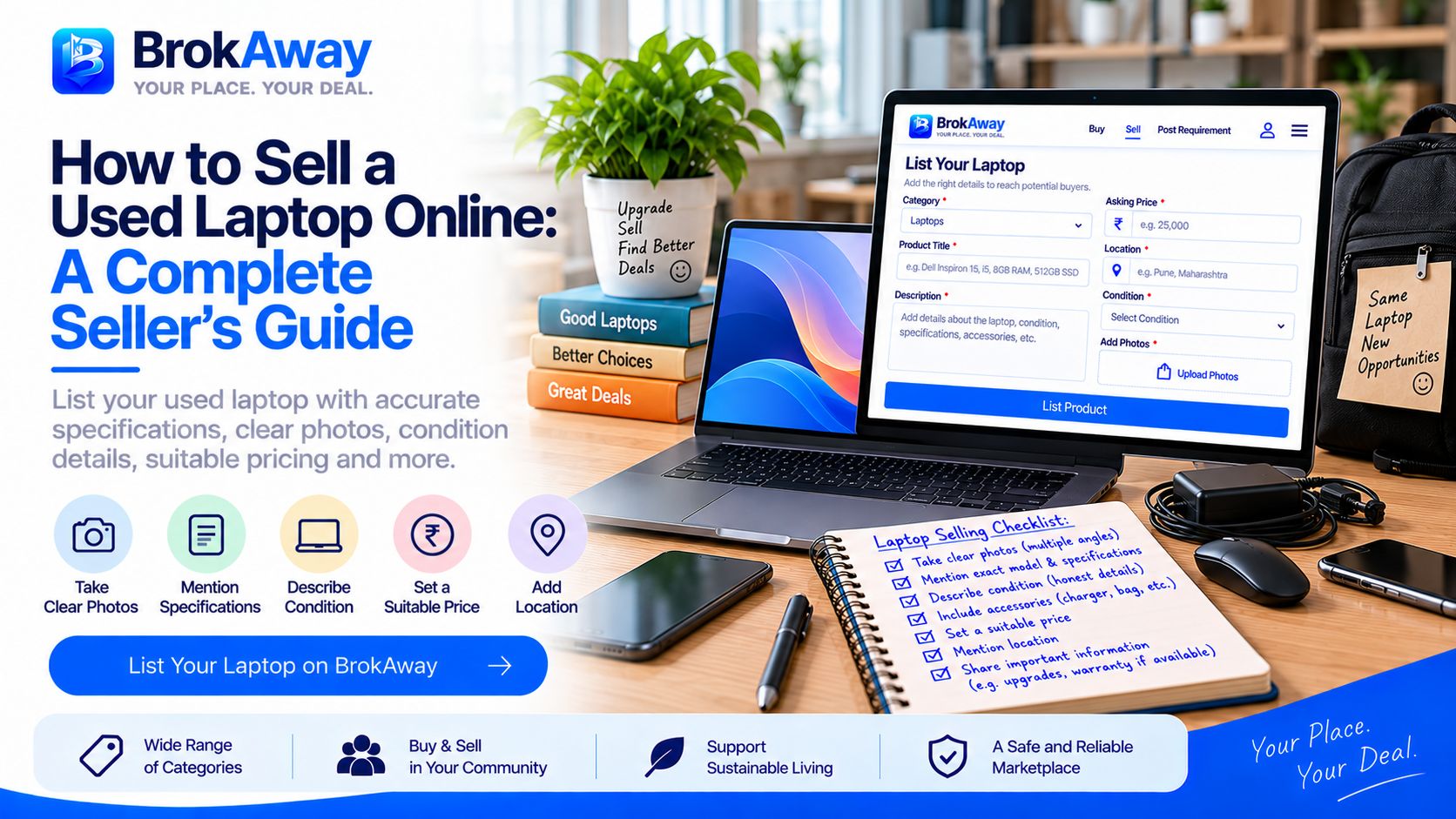
How to Sell a Used Laptop Online: A Complete Seller's Guide
Learn how to sell a used laptop online with accurate specifications, clear photos, condition details, suitable pricing, accessories, and useful information for potential buyers.
Selling a used laptop online can be a practical way to find potential buyers for a device you no longer use. Whether it is an older laptop, a recently upgraded device, or a laptop that has been sitting unused, providing the right information can make your listing easier to understand.
Before creating your listing, collect the laptop's important specifications. Mention the brand, exact model, processor, RAM, storage capacity, screen size, operating system, graphics information, and other relevant features. Providing accurate specifications helps potential buyers understand exactly what you are offering.
The physical condition of the laptop should also be described clearly. Check the screen, keyboard, touchpad, body, hinges, ports, and other visible parts for scratches, dents, cracks, or signs of wear. If there are any noticeable issues, mention them in the listing.
Battery condition can be important when selling a used laptop. If you know the battery health or approximate battery performance, include that information. You can also mention whether the laptop is normally used with its charger and whether the original charger is included.
Photos can give potential buyers a better understanding of the laptop's actual condition. Take clear photographs from different angles and show the screen, keyboard, ports, body, charger, and any visible marks. If there is damage or wear, include photographs that show it clearly.
Mention the laptop's usage history where relevant. You can include information such as how long you have used it, whether it has been repaired, whether any components have been upgraded, and whether parts such as RAM or storage have been replaced.
Accessories and supporting documents can also be relevant. Clearly mention whether the listing includes the original charger, box, manuals, carrying bag, warranty information, purchase invoice, or other accessories.
Pricing should be considered based on the laptop's model, specifications, age, condition, battery, upgrades, accessories, and location. Comparing similar listings can help you understand the asking prices for laptops with comparable specifications and condition.
Before publishing your listing, choose an accurate category and review all the information you have entered. Make sure the title, specifications, photos, condition, price, location, and description are consistent and accurate.
When potential buyers contact you, answer questions about specifications, condition, usage, repairs, accessories, and availability clearly. For expensive products, consider appropriate inspection and verification before completing a transaction.
Brokaway is an online marketplace where users can list and discover new and second-hand products across different categories. Sellers can list laptops, mobiles, electronics, cameras, furniture, vehicles, appliances, books, sports products, fashion items, home and garden products, and many other products.
If you are looking for a particular laptop instead of browsing available listings, you can also post a requirement on Brokaway. Mention your preferred brand, specifications, budget, location, condition, and other relevant preferences.
Selling a used laptop online becomes easier when potential buyers have enough information to understand the product. Accurate specifications, clear photographs, honest condition details, suitable pricing, and information about accessories can make your listing more useful.
Brokaway — Your Place. Your Deal.
Disclaimer: Brokaway is a marketplace platform that connects users to discover products and services. Brokaway does not guarantee the quality, authenticity, availability, pricing, or completion of any transaction. Users should independently verify all relevant details before making any transaction.